 SpaceMinder
See what fills your storage.
SpaceMinder maps every file on your phone as a treemap. Each block is a file or folder, sized by how much space it takes, so the big things stand out at a glance.
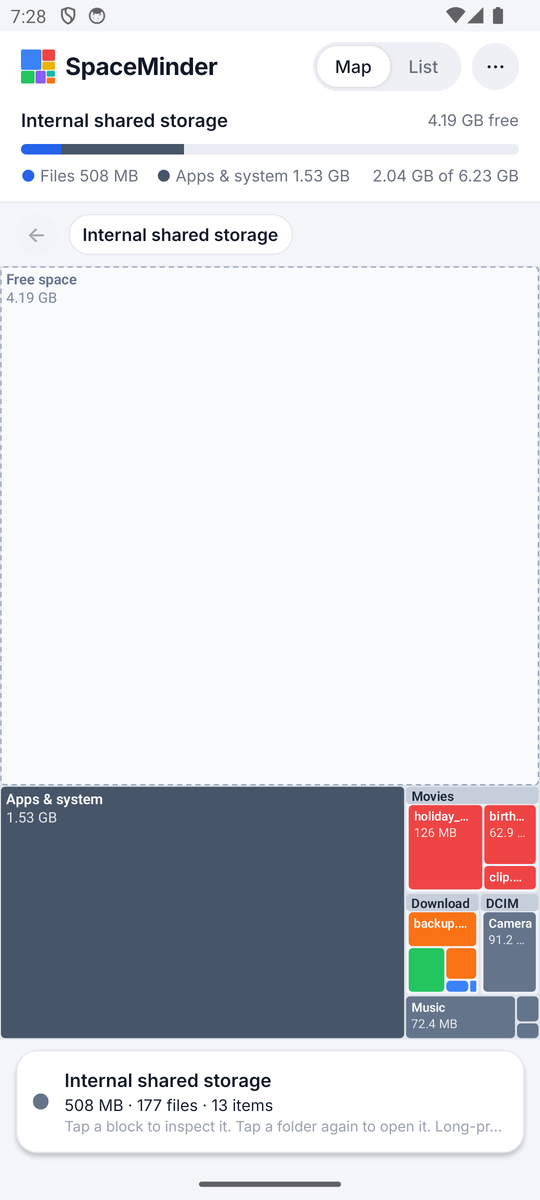
Your storage, as a map
Folders are frames, files are colored blocks. Area equals size.
Scan everything in seconds
Reads the whole shared storage and SD cards natively. Hundreds of thousands of files load in a couple of seconds.
Tap to dig in
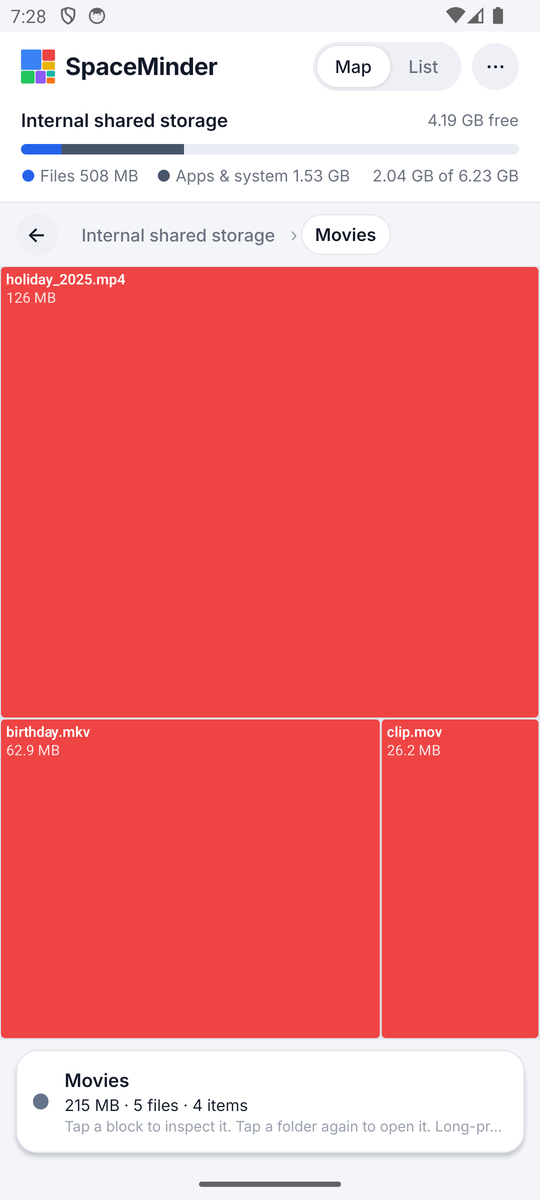
Tap a block to see its size, share of the view and date. Tap a folder again to zoom in. Breadcrumbs take you back.
Free space and system, too
Shows unused space and the space taken by apps and the system, so the picture adds up to your whole disk.
Colors by type
Video, images, audio, documents, archives, apps and code each get their own color. A legend is one tap away.
List view
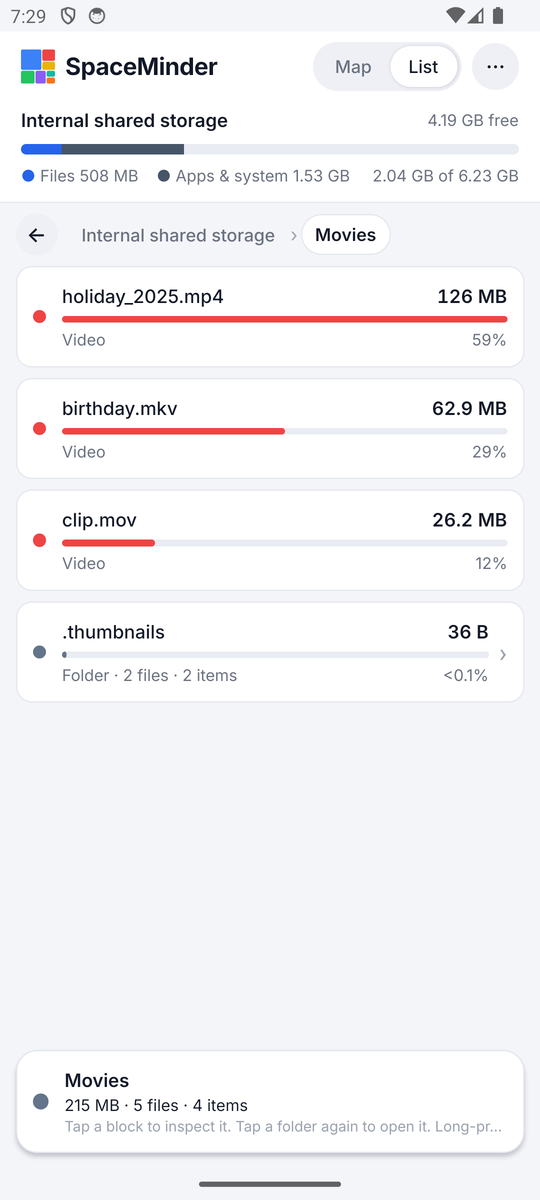
Prefer numbers? Switch to a sorted list with sizes, percentages and bars for every folder.
Act on what you find
Open, share or delete files straight from the map. Deleting always asks first and never happens by accident.
Screens
Clean, fast, and honest about what it reads.
Questions
The short version of how it works.
Why does it ask for “All files access”?
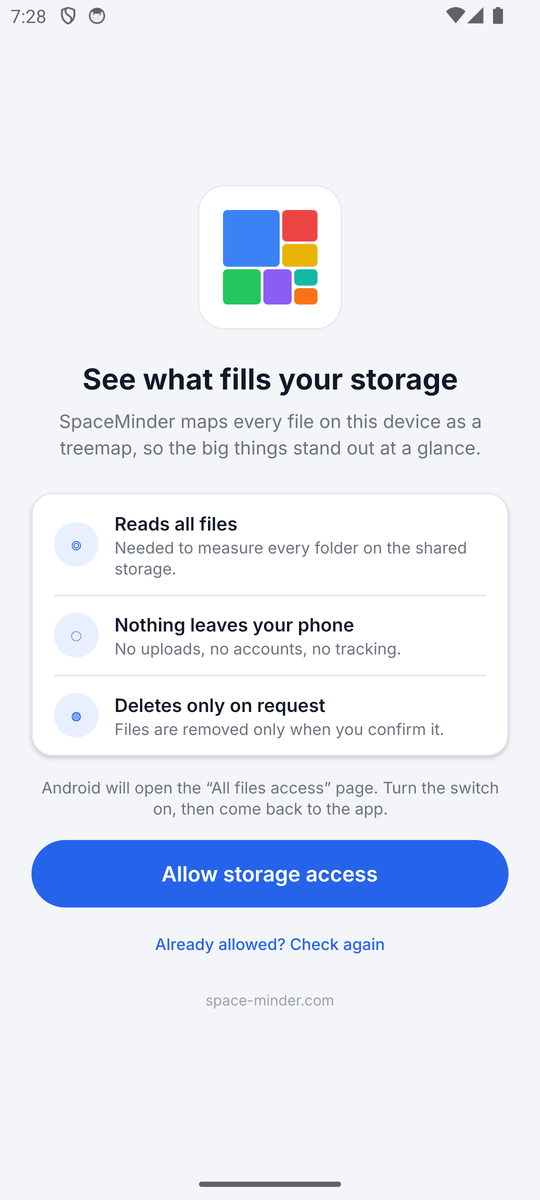
To measure every folder, the app has to read the whole shared storage. Android 11 and later requires this permission for that. SpaceMinder reads only file names, sizes and dates, never file contents, and nothing leaves your phone.
Does it upload or collect anything?
No. There are no servers, no accounts, no analytics and no ads. It works fully offline. See the privacy policy.
Why are Android/data and Android/obb shown as “not readable”?
Android does not let any third-party app read those folders. Their space is still counted inside the “Apps & system” block.
Can it delete files?
Yes, from the long-press menu, and only after you confirm. Deleting cannot be undone, so the dialog shows exactly what will go.